Canonical
on 2 September 2014
Challenge
Universities have diverse computing needs. There are full-time students, part-time students, teaching staff, technical staff and administrators to consider – all with differing levels of experience and in some cases, long-held technology preferences. Identifying a desktop platform that everyone can accept is no easy feat.
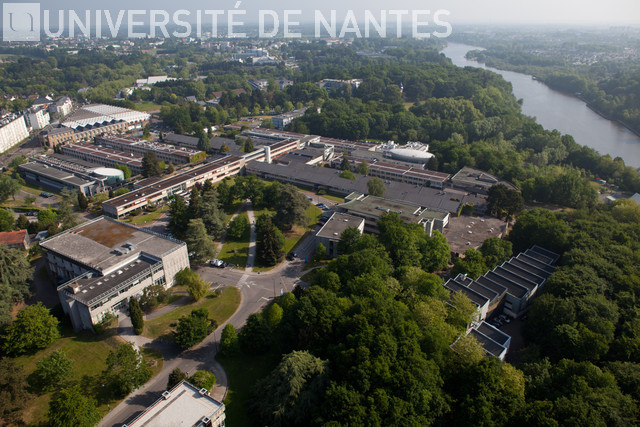
Against this backdrop – and with over 40,000 students and staff to support – the IT Services department at the University of Nantes in France needed to reduce the total cost of ownership across its desktop estate.
Considerations
The machines varied in age and power, from very old administrative machines to newer PCs and workstations used to teach technical subjects.
While storage, networking and support was provided centrally, the PCs themselves were not. Each department had its own support processes, despite recommendations to streamline and unify them. To compound this, many users – especially longstanding faculty members – had developed their own technology prejudices. This combination of decentralised desktop management and cultural resistance to change imposed further risk.
The University had longstanding experience with Linux given Debian was already being used across multiple servers. From a desktop replacement perspective, the following requirements had to be satisfied.
- Ability to run on older PCs as well as more powerful hardware
- Ease of use, to avoid compromising productivity and quality of teaching
- Freedom from the financial and administrative constraints of licence agreements
- Fast deployment and easy, low-cost management
- Security against external threats, viruses and hacking
Solution
In order to curb licensing costs and management complexities, it was established early on that Linux was a viable and cost-effective alternative to Windows – a finding that ultimately led to its deployment. The team considered Debian, but Ubuntu was eventually selected on the desktop side for two main reasons. Firstly, its ease of use and performance on the university’s oldest machines. Secondly, its management tools significantly reduced the amount of man-hours needed to support it.
Results
Today, Ubuntu is used on over 1,700 machines across the university, in departments including teaching, research and administration.
Matthieu Le Corre, technical manager of the Faculty of Science’s computer department stated “The university’s dual-boot computers, which are largely Dell, have seen more usage for Ubuntu than in Windows. User reaction was extremely positive, with even the most loyal Windows experts testing and appreciating the value of the new OS.”
For a single migration, mass upgrades to PCs running Ubuntu could be planned within a month and executed in a matter of seconds per PC – a job that could take around ten times as long with Windows.
The most noticeable improvement, however, was in the total cost of ownership. As Yann Dupont, Head of infrastructure management at the university’s IT and digital services department, explained ’’We support open source solutions and have long been using Ubuntu. In switching our desktop computers to Ubuntu, we have reduced our total cost of ownership in a significant and meaningful way. We also like the fact freedom it gives us from licensing fees and the ease with which we can deploy and manage Ubuntu systems – and because it’s so easy to use, we had no problems with users accepting the new software. Productivity was unaffected.”
Photo credit : photo service – University of Nantes